
MCP / Agentic operations
Data infrastructure your agents can operate.
LyftData exposes governed infrastructure context and operations through MCP, giving authorized agents a structured way to understand and interact with the data layer.
The control layer stays the control layer. Agents become another interface to it.
→ Which jobs are running right now, and on which Worker?
← Reading the control layer through MCP — returning the running jobs and their Workers.
Available actions depend on configured tools and permissions.
The gap
Agents can reason about your stack. That doesn't mean they can safely operate it.
A capable model isn't enough on its own. Operating infrastructure safely needs three more things.
Context
what the data layer looks like right now — workflows, versions, deployments, runtime state.
Authority
what an agent is actually allowed to see or do, scoped like any other identity.
State
a system with explicit, versioned state to reason about, not a black box to guess at.
MCP
One interface between agents and the data layer.
MCP gives an agent a structured, governed way to reach the same control layer your operators use — not a separate, looser path around it.
Agent
Governed interface
MCP
Control layer
LyftData
An agent connects through MCP to the LyftData control layer, and back — one governed interface, not a separate path.
Data awareness
Give agents context before you give them actions.
An agent that understands what's deployed, what's drifted and what just ran can give a grounded answer instead of a guess.
Data Awareness is a Preview feature in 3.0 and needs a licensed edition (Community+ or above) and a configured AI provider.
workflow: "route-siem"
status: "deployed"
version: "v8"
drift: "none"
Awareness before automation.
Investigate
Let agents investigate the same system your operators see.
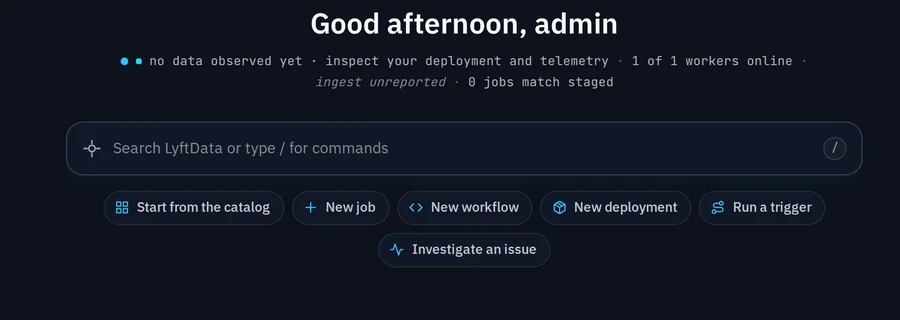
“Ask about my data” and “Investigate an issue” are entry points into the same control layer — for a person at the keyboard, or an agent through MCP.
The in-product AI features behind these actions need a licensed edition (Community+ or above) and a configured AI provider. MCP is included in every edition.
Operations
Move from answers to controlled action.
In this illustrative flow, Act is the execution step and remains conditional on the tools and permissions configured for that agent.
Act — conditional on configured tools and permissions.
The Operations Agent (Operator) is a Preview feature in 3.0 and needs a licensed edition (Community+ or above) and a configured AI provider.
Control
Agentic doesn't mean uncontrolled.
Agent requests go through the same authenticated API as operators, under the operator's identity and normal permissions. Write tools are off unless the MCP server is started with write access.
Agent request
Checked
Identity & permission
Available set
MCP tools
Control layer
LyftData
Allowed operation
Observable result
An agent's request passes through identity and permission checks, is matched against the available MCP tools, reaches the LyftData control layer, resolves to an allowed operation, and produces an observable result.
Observability
See what your agents are doing.
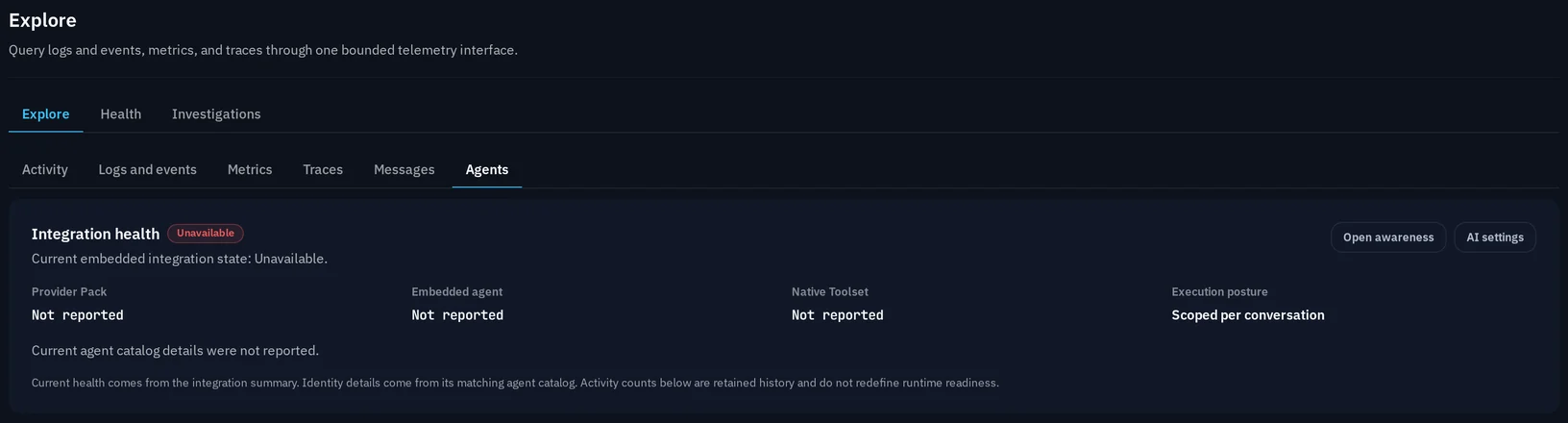
The same Agents surface that configures MCP tools, Data Awareness and the Operations Agent also streams their activity live. Data Awareness and the Operations Agent are Preview in 3.0 and need a licensed edition (Community+ or above) and an AI provider.
One control layer
Three interfaces. One source of truth.
Humans, APIs and agents all reach the same governed control layer.
Humans
APIs
Agents
Control layer
LyftData
Humans, APIs and agents are three separate interfaces that all converge on the same LyftData control layer.
Practical use cases
Investigate
Ask what happened, correlate state and get an explanation grounded in the real system.
Discover
Understand what workflows, jobs and destinations exist without hunting through every screen.
Assist
Get a proposed change staged for review before it touches anything.
Operate
Take action through the same governed layer — where tools and permissions allow it.
Versioned infrastructure
Agents work better when infrastructure has explicit state.
Workflows, versions, deployments, Workers and runtime state are all explicit — the same state an agent reasons about through MCP is the state your operators see.
Governance
The same control boundaries still apply.
Agents don't sit above governance. They operate through it — the same policy, the same permission scoping, the same observability.
Build with MCP
Bring your agent. Keep the data layer independent.
LyftData exposes its control layer through MCP as a governed interface into the same infrastructure your operators use.
Give your agents infrastructure they can understand.
Start with LyftData, or walk through your MCP setup with the team.